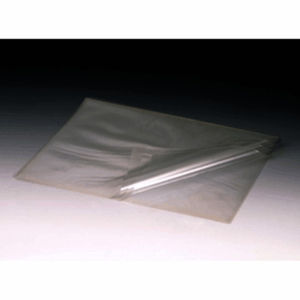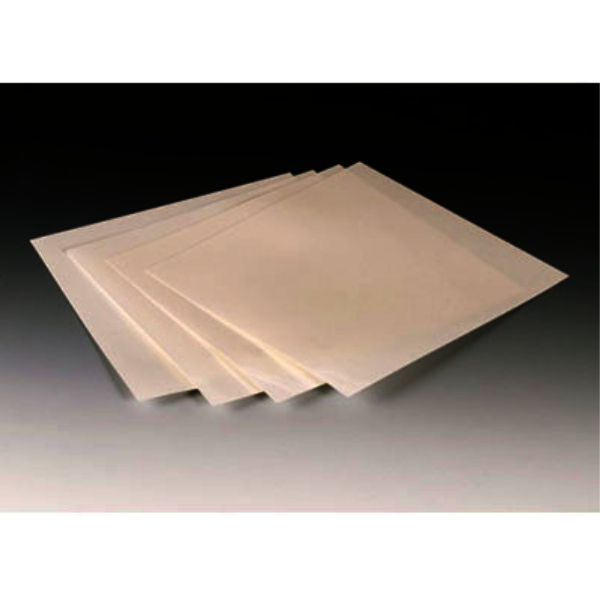
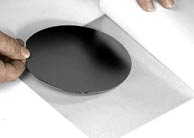
Wafer-Mount 559 A clear adhesive on a plastic film that is ideal for holding silicon wafers, alumina, or glass substrates for scribing.No heating is required; just remove the paper backing to expose the adhesive layer, position the wafer substrate on the film and press down with firm pressure to insure adhesion.
A vacuum manifold or mechanical device may be used to hold wafer/plastic film during dicing or scribing.
After dicing or scribing acetone or MEK may be used to separate the specimen from the Wafer-Mount 559.Size is 254 x 254 x 0.127mm thick in packages of 2.
Ideal for scribing/dicing wafers with vacuum hold down fixturing.
| Form | Sheet |
| Size | 0.127mm x 254mm x 254mm |
| Color | Clear |
| Solvent | Acetone or MEK |
Application Procedures:
- Cut the Wafer-Mount sheet to the desired shape and size and peel the backing paper away from the plastic film. Place the wafer, face up, onto the exposed sticky surface of the adhesive film. Press firmly to assure good adhesion.
Please note: The adhesive sheet should be placed on the dull or back side of the wafer, not the top or shiny side. - Process the substrate as required, then remove parts by heating in a well ventilated area to 150 °C (300 °F) for 2-3 minutes until the adhesive softens. Use a tool to slide the substrate off the mounting plate.
- Clean with acetone or MEK.